
Add DeepChart / dxFeed Connection
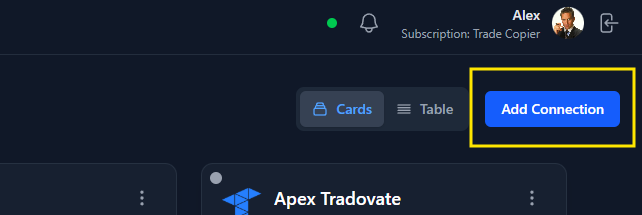
Step 1: Open the Prop Connections Page
- Navigate to the Prop Connections page.
-
Click Add Connection in the top-right corner.
Step 2: Select the Trading Platform
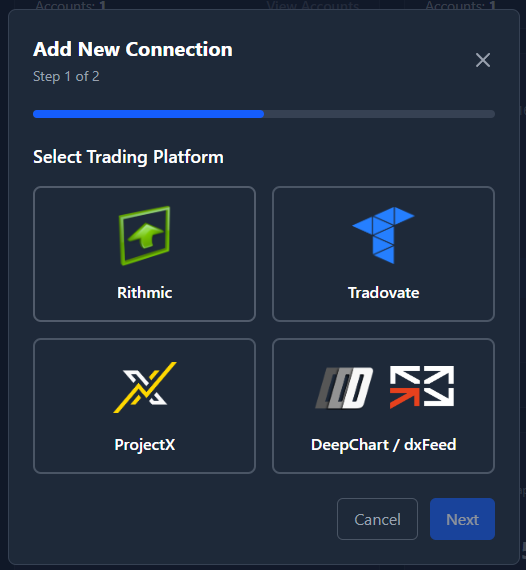
- Choose DeepChart / dxFeed as the trading platform.
-
Click Next.
Step 3: Enter connection name and credentials

Step 4: Add and Connect
- Click Add Connection.
- The new connection will appear in your list.
- Click Connect.
- Connection typically takes a few seconds.
- Once connected, your account details and balance will load.